About Here
Core Concept
Here app is a social connecting tool. Each user selects their interests and radius — from how far posts will display (e.g., "I'm not going further than a mile"). Anyone can create a post with location and selected interests related to that post. Then anyone with the same interest will see it and can interact if the location is within their selected radius.
Functions
- The app uses device location to find interests within a selected radius
- Anyone can create a post with up to 5 interests
- Currently posts live 24h (will be extended) — any post created can only be happening (start time/end time) the very day it is posted
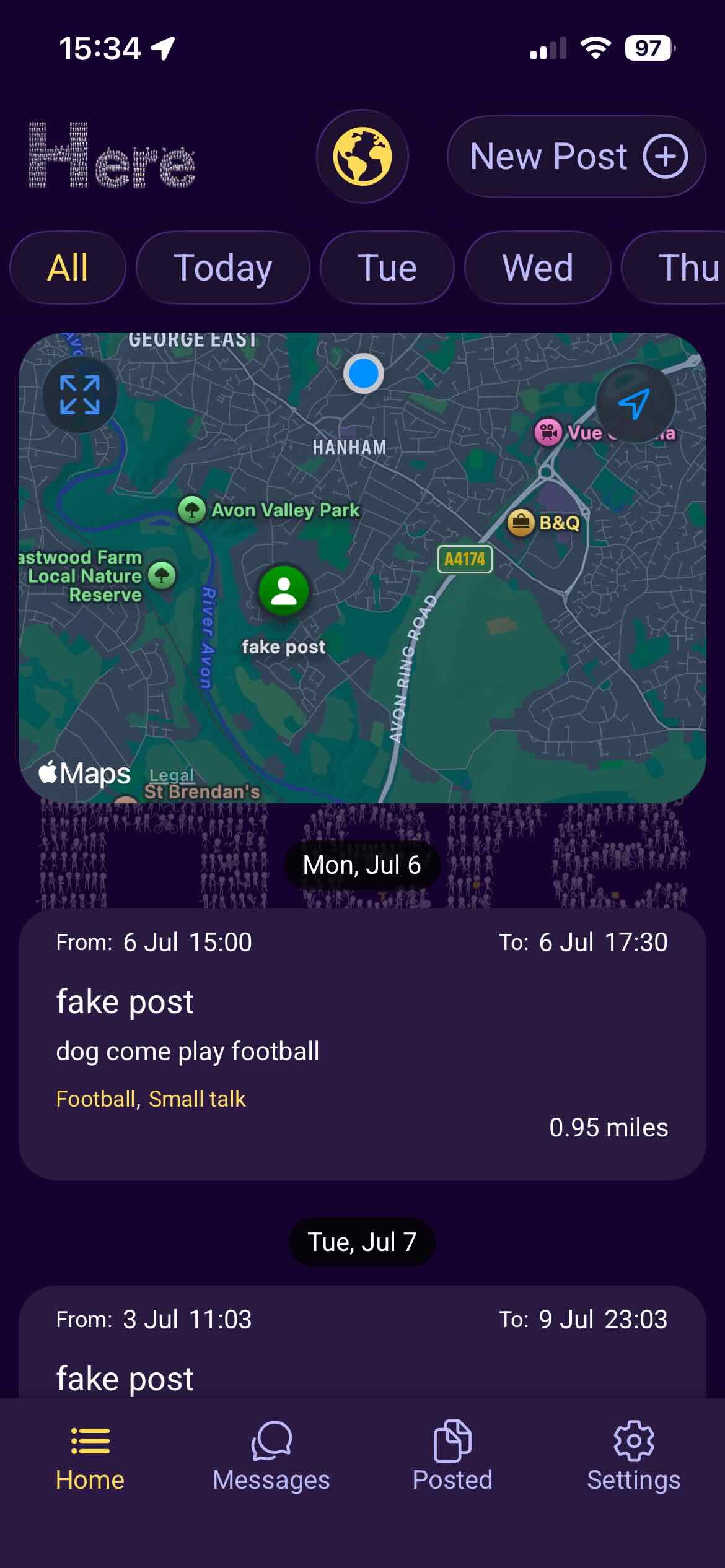
- Any greyed posts have ended
- Posts can be reported within post detail options
- Users can be banned within post detail options
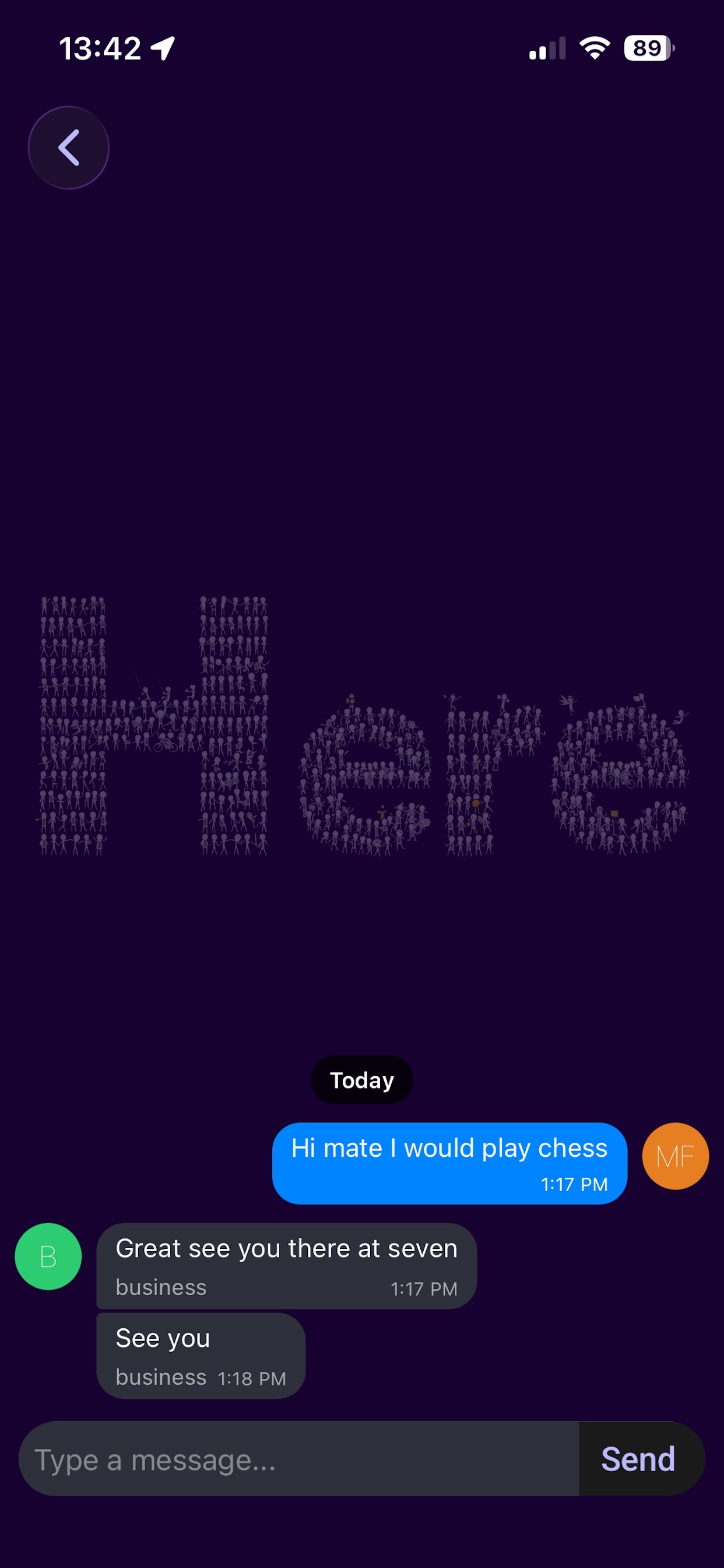
- Gather more information about posts using the internal messaging system
- And more...
Home
- Displays posts
- Drag down to refresh posts
- Allow user to create new post
Post Detail
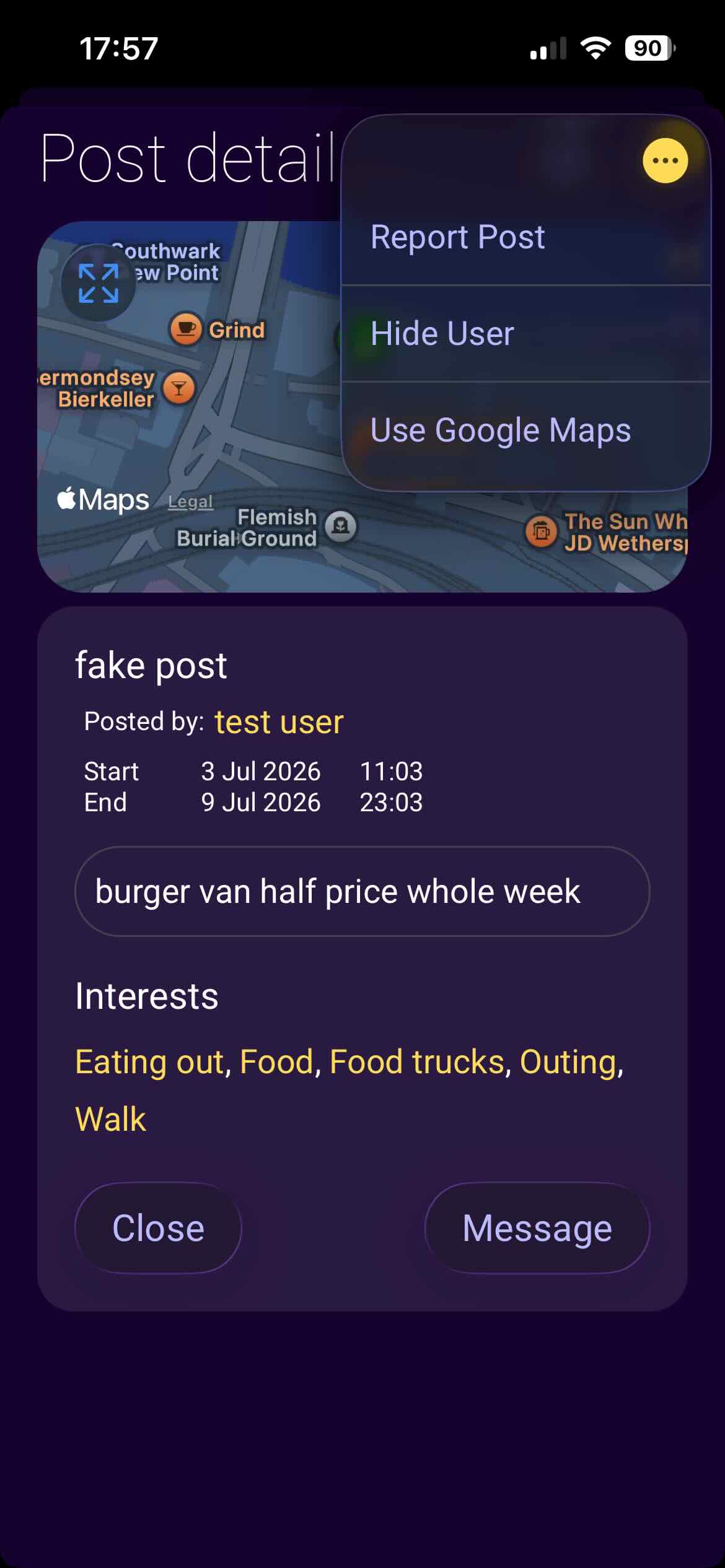
- See post details including location.
- Report post — Flag post for investigation.
- Hide user — Moves the post creator to hide list, you won't see any of their posts as long as they remain in the hidden list.
- Location arrow icon — Opens the location in Apple/Google Maps for navigation.
- Message — Directly contact the post creator.
New Post
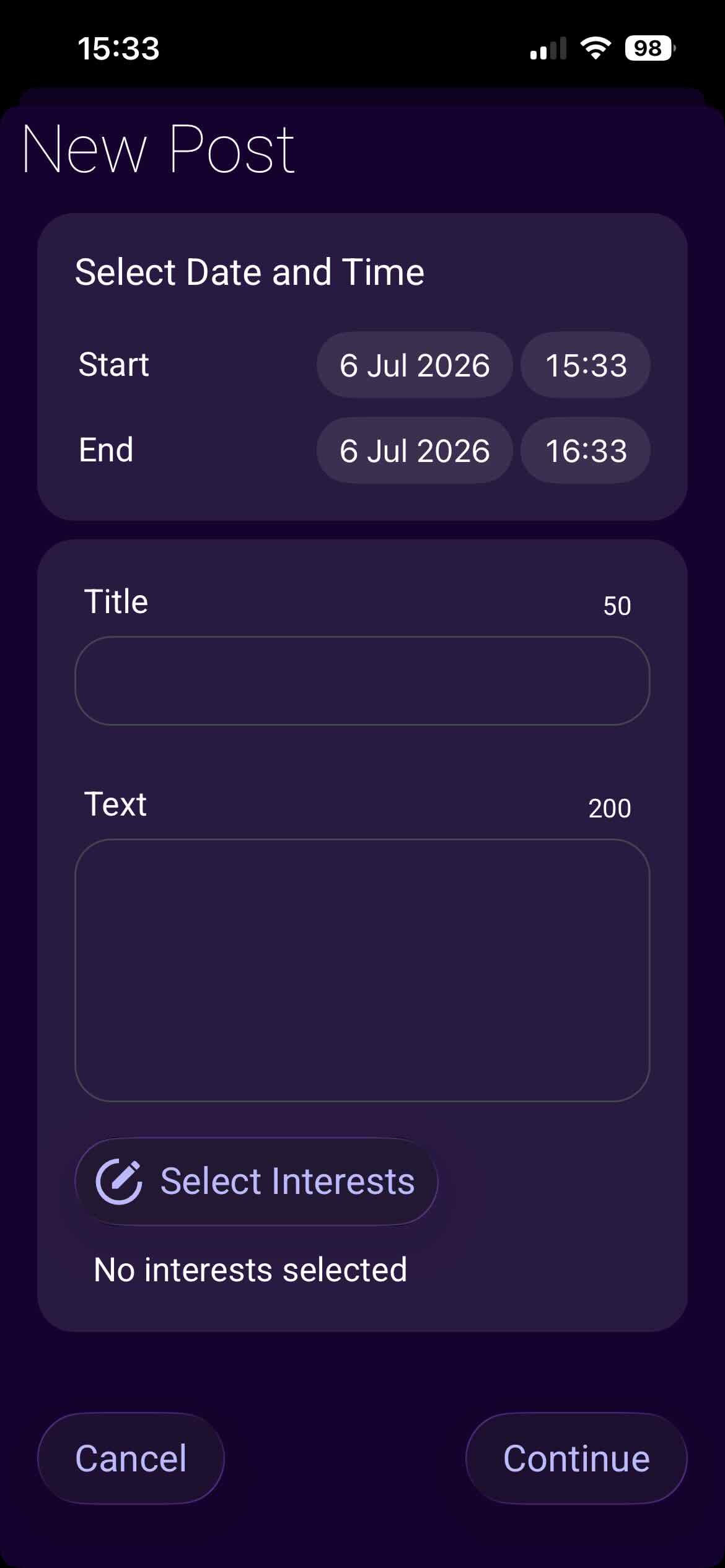
- Post can be stretched over 7 days using start time/date and end time/date.
- Provide title and description for the post.
- Select interests related to your post (e.g., walk and dogs if you want someone to walk a dog with you).
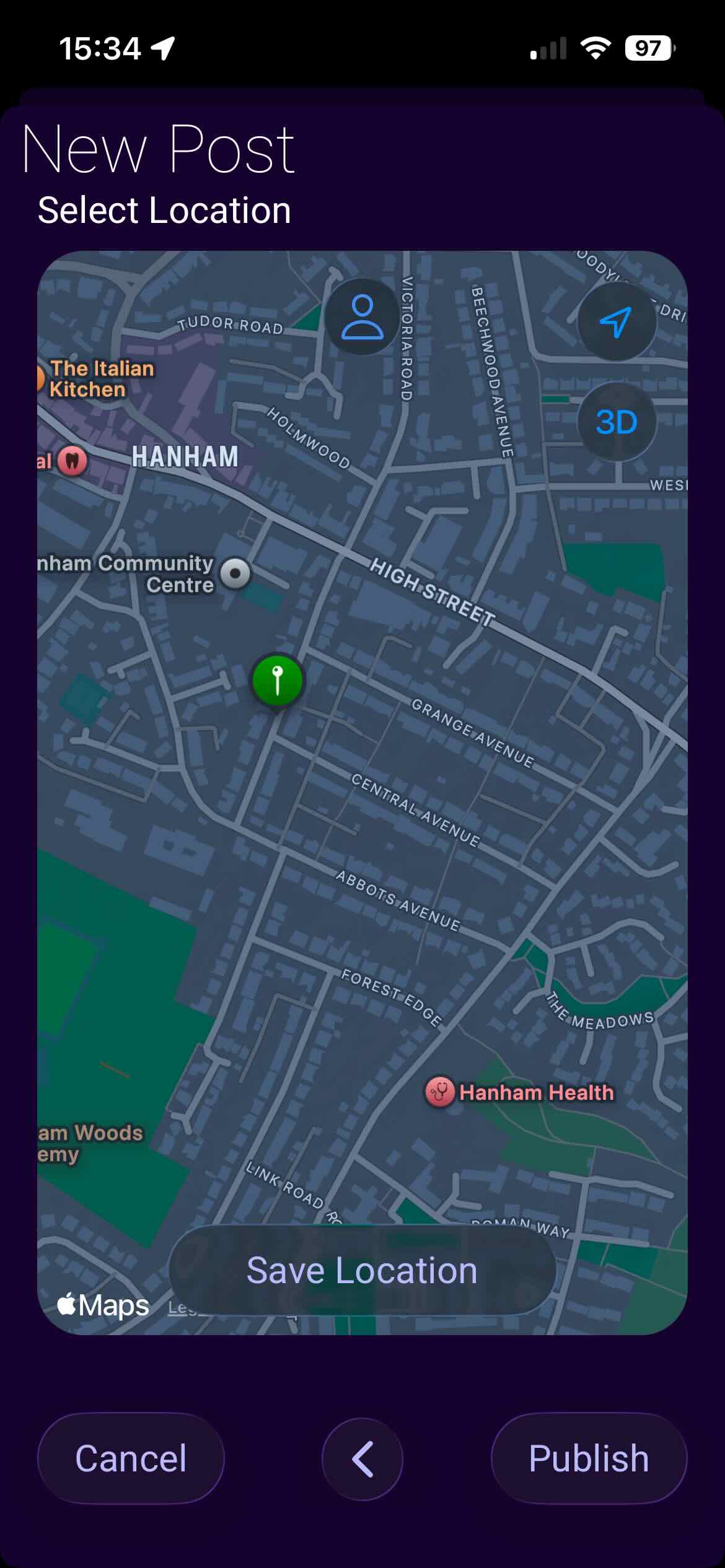
- Location must be selected before posting.
Messages
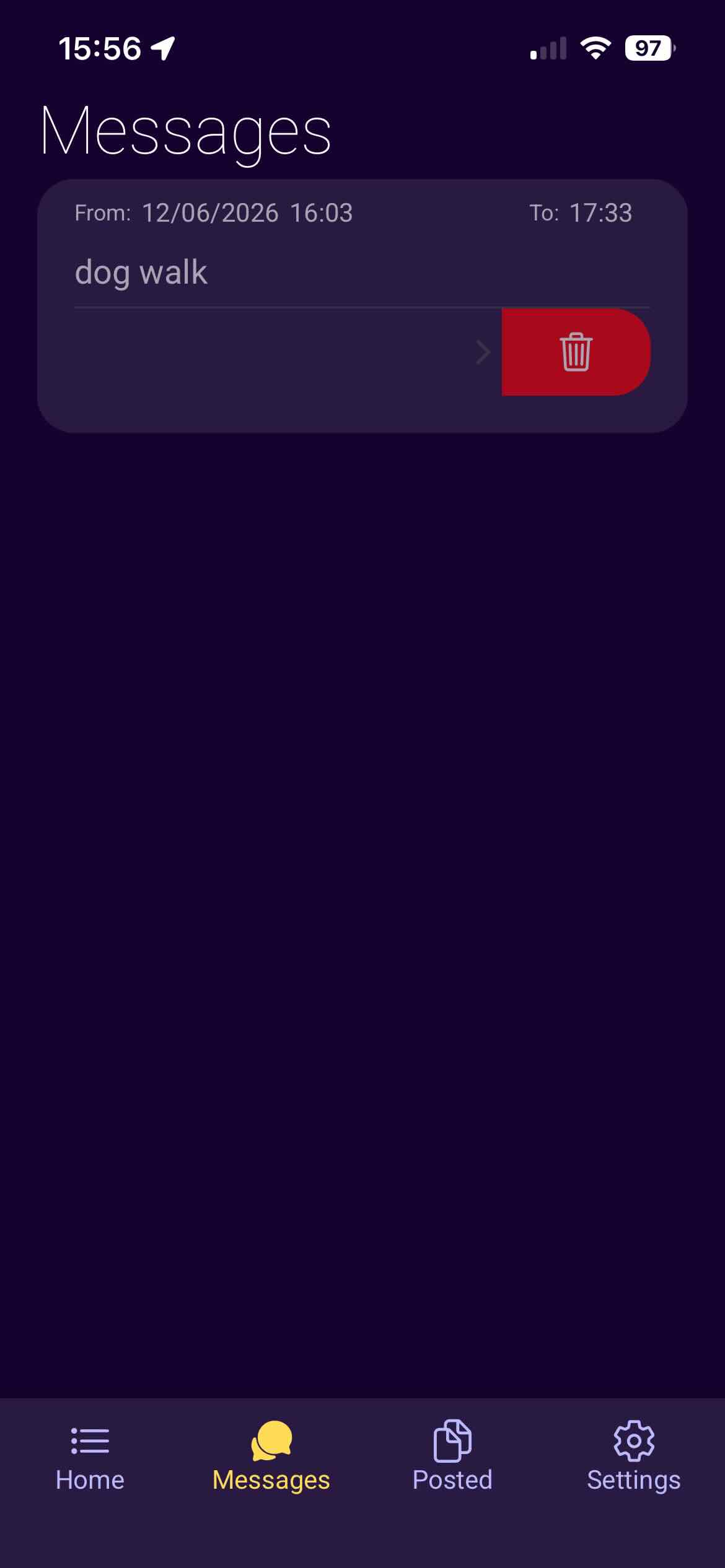
- Each chat has a post header to show which post the chat belongs to.
- Swipe left on a chat to delete it.
- Swipe left on a chat group to delete the whole group and all chats within.
- All chats are stored locally only.
Archive
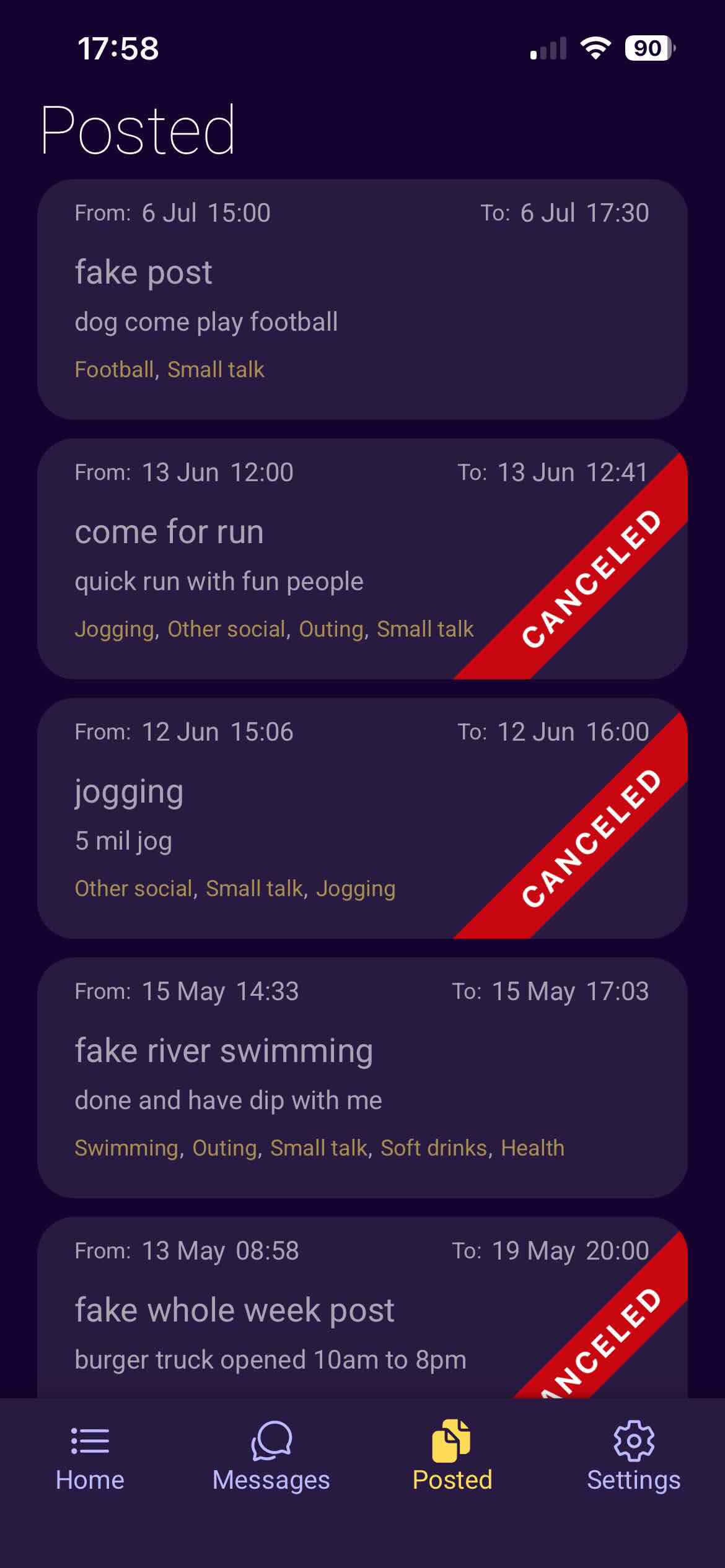
- Posted — Holds your posted posts, capped at 50; eldest post is deleted to make space for new posts.
- Cancel Post — Post can be canceled from this screen after opening post details and dots options.
Settings
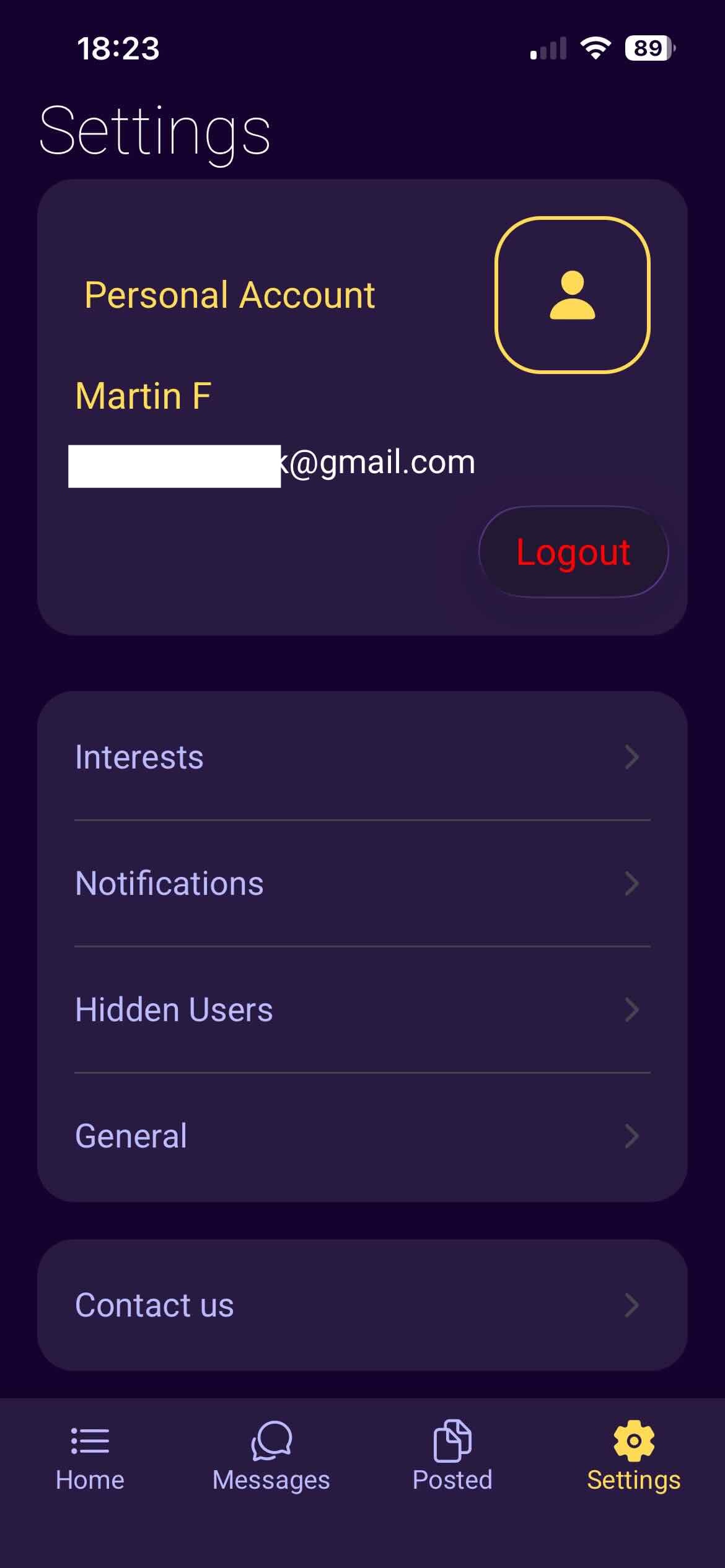
- Logout — Logout of your account.
- Interests — Edit your interests and radius.
- Notifications — Edit notification preferences (life updates show automatic posts if the app is open, no refresh needed; others display notifications of various kinds when the app is not in the foreground).
- Hidden users — Remove users from banned status to see their posts again.
- General — General app info.
- Contact us — Get in touch for support or feedback.
- Delete Account — Delete Account.
Get in touch
Contact Us
Have a question or want to reach the team? Fill in the form below and
we'll get back to you.